 Share Predictions


Fidus Investment Corp. (FDUS) stock analysis and AI prediction
The company facts of Fidus Investment Corp., with its price and AI prediction for the next 10 market days in SharePreds.

Keep looking in SharePreds
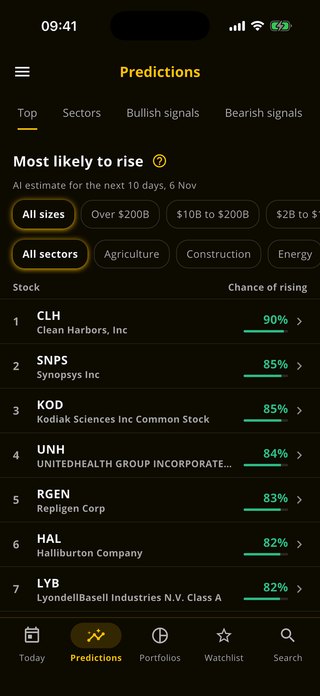
You have looked at today's stocks on this website. SharePreds shows every stock's likelihood of rising, its chart and how its earlier predictions ended, with alerts on the ones you follow.
 Scan with your phone


About Fidus Investment Corp.
Fidus Investment Corp is an externally managed, closed-end, non-diversified management investment company that has elected to be treated as a business development company. The company provides customized debt and equity financing solutions to lower middle-market companies. Its investment objective is to provide attractive risk-adjusted returns by generating both current income from debt investments and capital appreciation from equity related investments. The company's portfolio of investment is comprised of securities of companies from different industries such as, Information Technology Services, Business Services, Healthcare Products among others.
Related stocks
Other small cap stocks
Keep going
FDUS questions
What is the AI prediction for FDUS stock?
Each market day our model rates Fidus Investment Corp. (FDUS) Bullish, Neutral or Bearish for the next 10 market days. Predictions are indicative: they rest on price and volume data, and they can be wrong.
How often is the FDUS prediction updated?
Each market day, Monday to Friday, except market holidays. The date of the prediction is shown beside it.
What do Bullish, Neutral and Bearish mean?
Bullish means the model sees a rise as likely over the next 10 market days, Bearish a fall, and Neutral no clear direction.
Where can I see the exact likelihood for FDUS?
In the SharePreds app for iPhone and Android, with the stock's chart, alerts on it and how its earlier predictions ended.
Where can I see FDUS options?
The FDUS options page explains its calls, puts and Greeks. The full FDUS options chain, every strike and expiry, is in the OpPreds app.